Server Monitoring
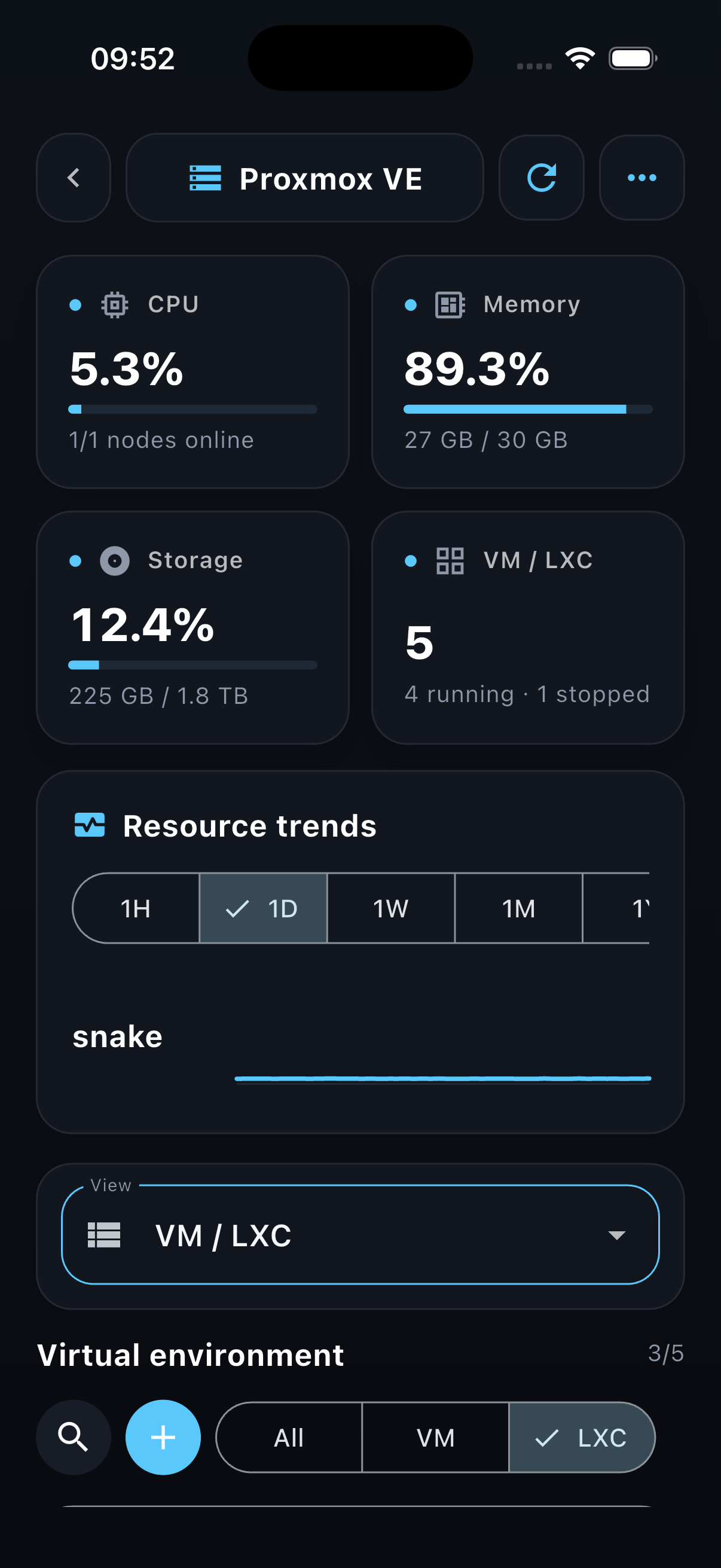
Check CPU, memory, storage, node availability, and resource trends without opening a desktop console.
PVE Client · Homelab · Mobile infrastructure tools
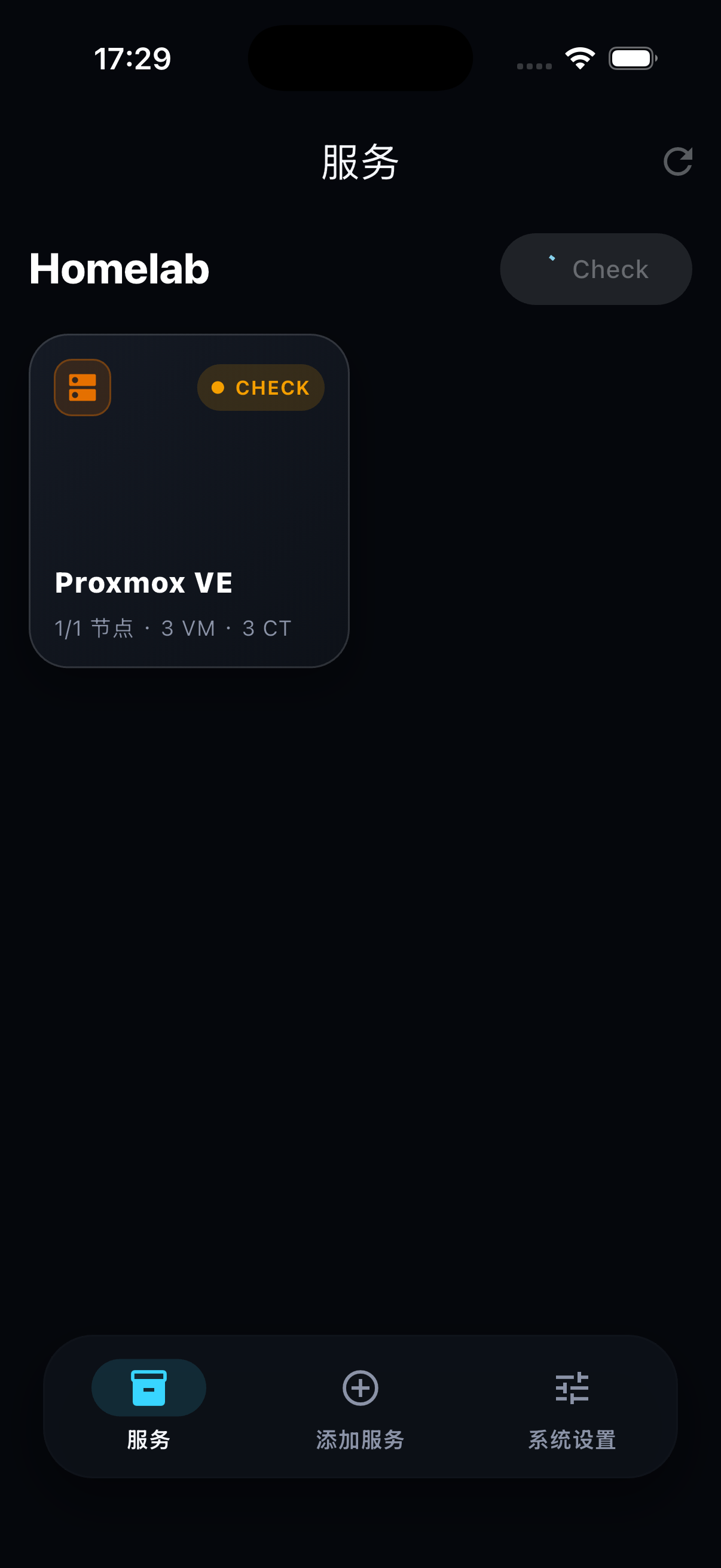
PVE Client by Homelab is a mobile infrastructure management app for Proxmox VE users. Monitor nodes, virtual machines, containers, storage, resource trends, and service status from a focused dark-mode mobile dashboard.
Features
Check CPU, memory, storage, node availability, and resource trends without opening a desktop console.
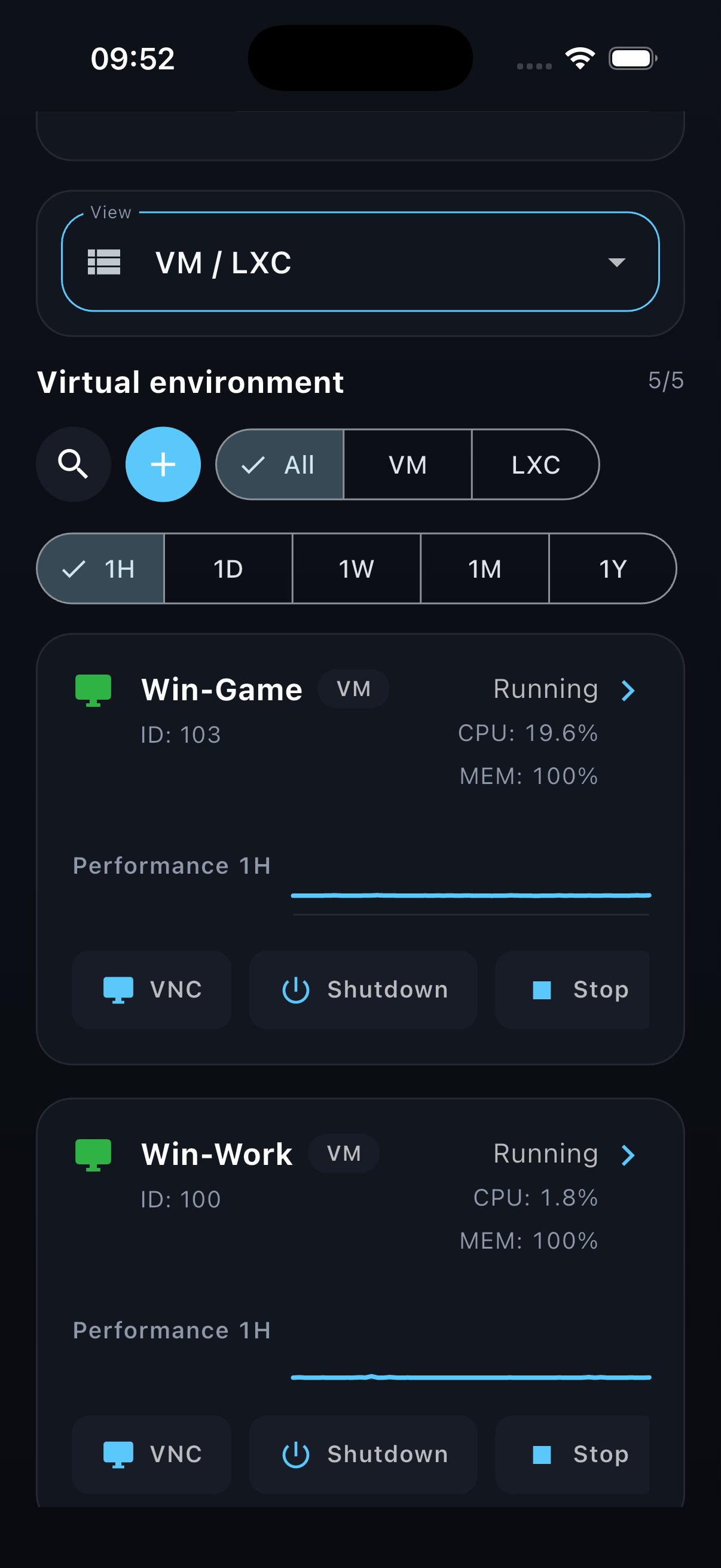
View VM/LXC status, filter workloads, inspect resource usage, and access common actions such as VNC, shutdown, and stop.
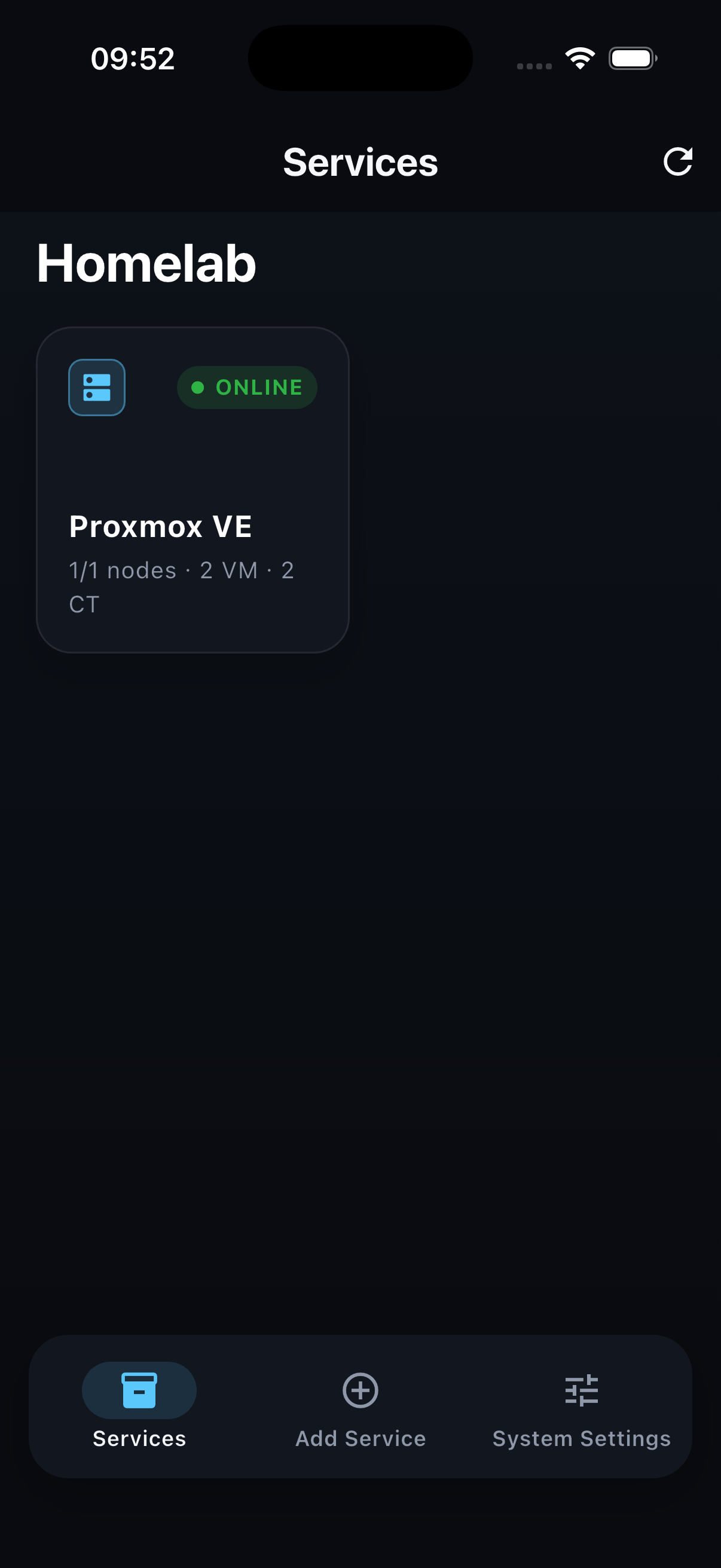
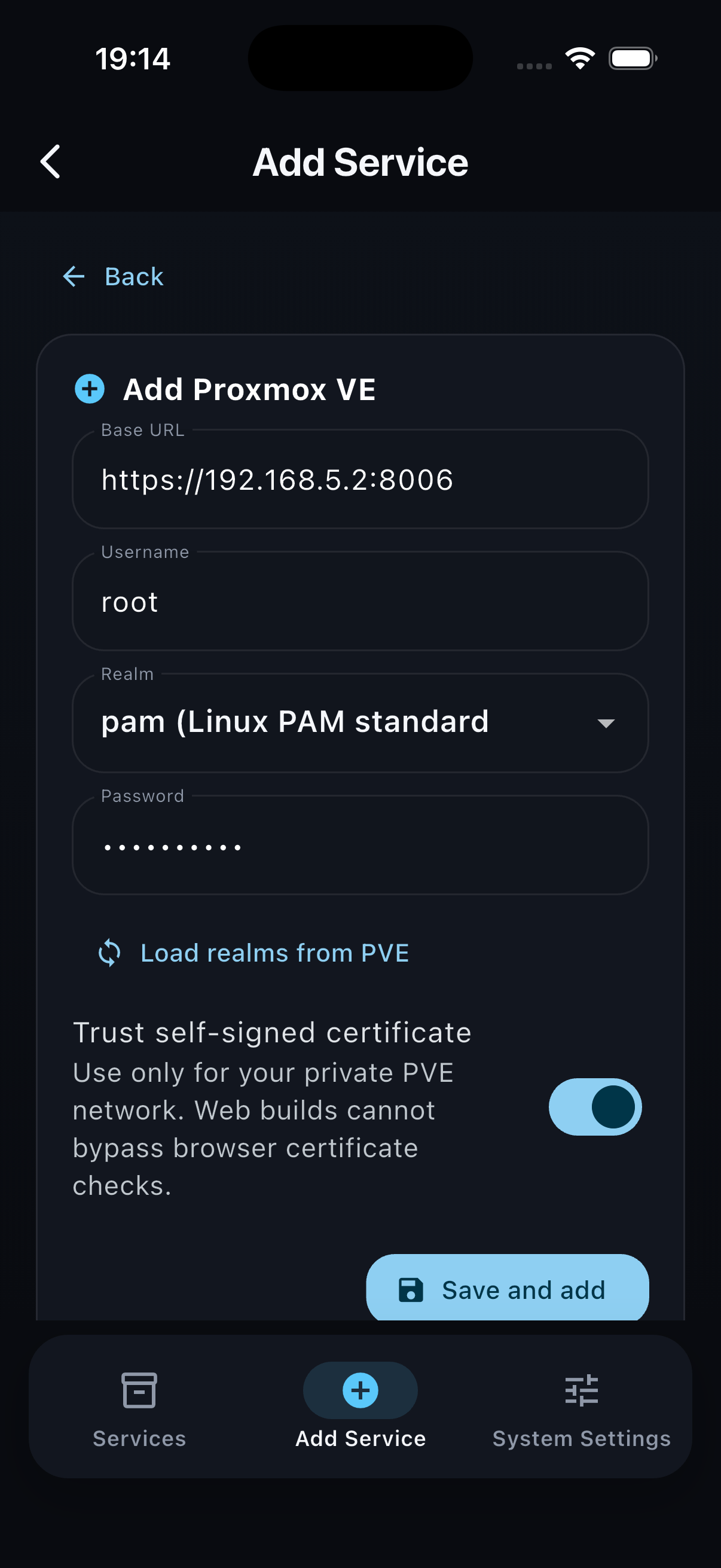
Add Proxmox VE and qBittorrent services, then review infrastructure and download service visibility in one mobile app.
App Screens
Privacy
PVE Client connects directly to the services you configure. Server URLs, usernames, realms, passwords, and service settings are used to connect to your own infrastructure and are not sold or shared by NEBULACONNECTRA LLC.
Read the PVE Client Privacy Policy